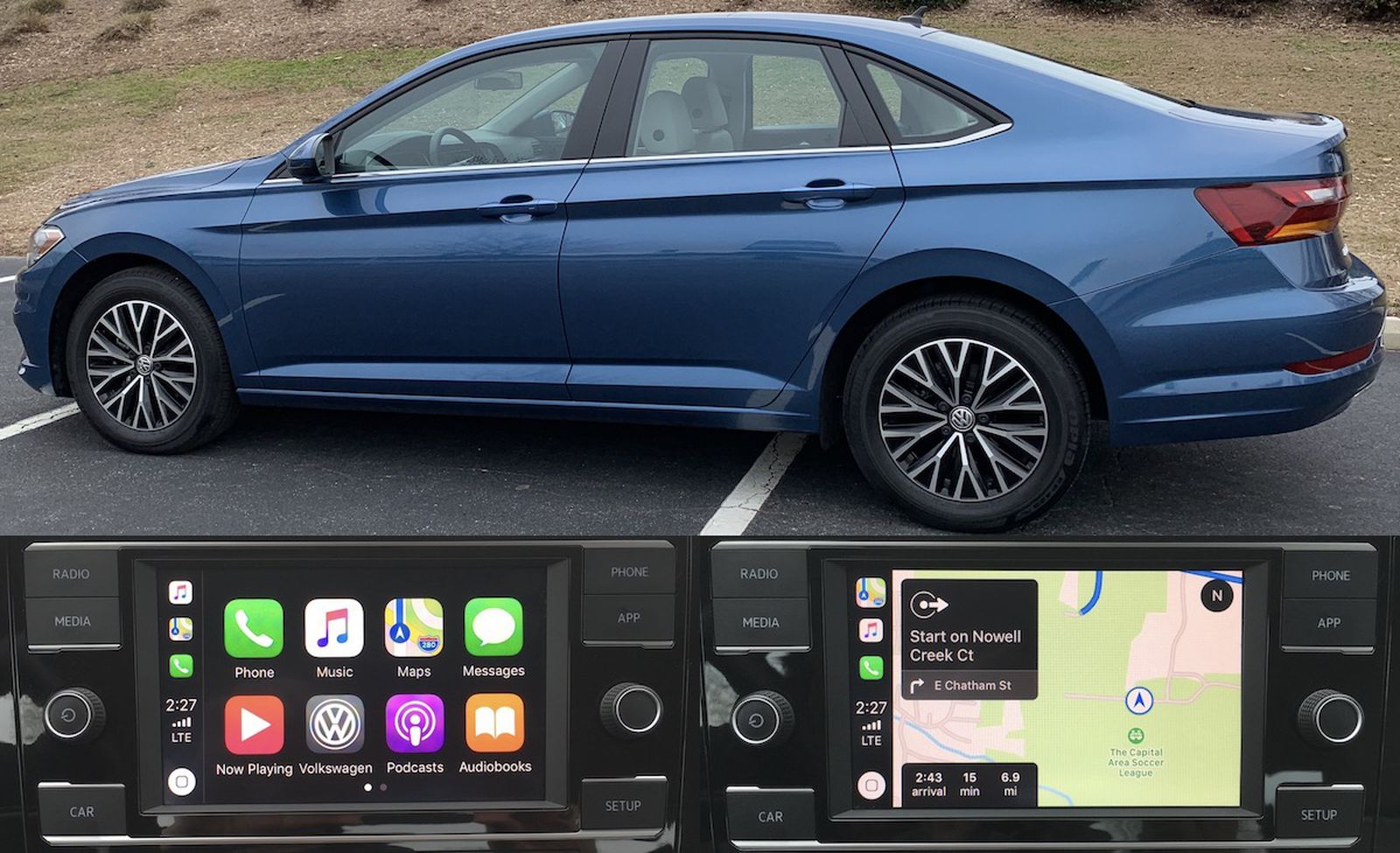
Volkswagen’s Jetta compact sedan, a mainstay of the German automaker’s lineup for 40 years, has received a significant redesign for the 2019 model year, bringing a new platform, fresh new design, technology upgrades and more.
The Jetta is popular with car buyers looking for an affordable daily commute, and the new Jetta starts at just under $19,000 but can be around $27,500 if you opt for the high-end SEL Premium trim.
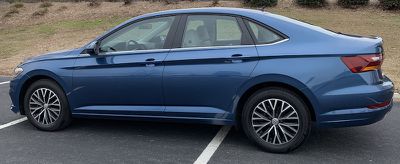
I spent some time testing the relatively modestly specified 2019 Jetta SE, which is the second lowest of the five trims available and starts at just $22,000 before any additional options.
VW offers three different infotainment systems across Jetta trims, starting with a 6.5-inch Composition Color system on the S, SE and R-Line trims and moving up to an 8-inch Composition Media system on the SEL trim that adds such features. In addition to the large screen, voice control, CD player and premium Beats audio. In the top-level SEL Premium trim, you get the same 8-inch screen but with VW’s Discover media system that includes built-in navigation.
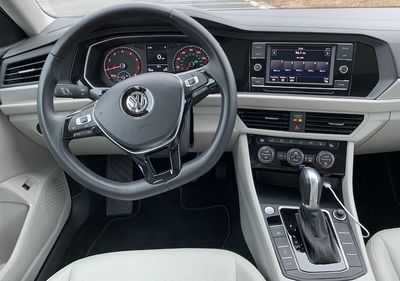
As an SE trim, my test car came with a 6.5-inch composite color system, which gave me a chance to see what a buyer on a relatively modest budget could experience in the Jetta.
composition color
By itself, the composition color system is pretty basic. It includes AM/FM radio, Bluetooth and USB connectivity for media sources, Bluetooth phone support, and some vehicle efficiency data.
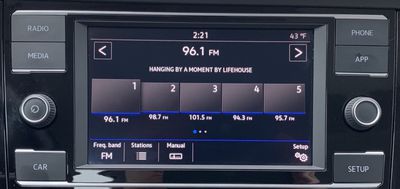
There’s no SiriusXM and no embedded navigation, but what it does have is VW’s Car-Net App-Connect that’s standard across the lineup, and that means support for CarPlay and Android Auto, which I’ll get to shortly.
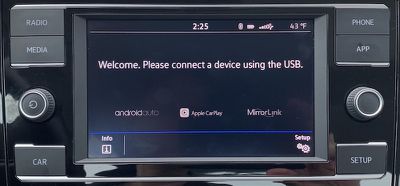
The Composition Color system is simple and easy to use, with large icons for changing radio presets and making other adjustments. The user interface design isn’t very exciting, as it’s white on black with some accent colors here and there, but that’s partly because of the simple functions it offers.
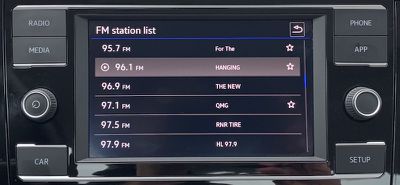
On higher-level trims with the Composition or Discover media systems, the general look is the same but you’ll see a little more color in the appropriate places, like channel logos on SiriusXM’s preset buttons.
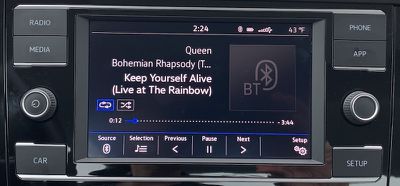
The screen has a matte finish that does a decent job of reducing glare and fingerprints, though the hardware buttons around the screen pick up some visible oil from your fingers.
Speaking of those hardware buttons, they represent a straightforward set of options that eliminate the need for any kind of home screen on the system. The radio and media buttons on the top left let you go directly to radio controls or change the audio source, while a car button on the bottom left shows you some of the car’s data, like fuel and energy efficiency.
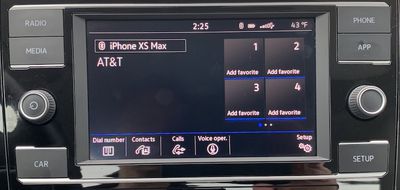
On the top right, you’ll find a phone button to access a Bluetooth-paired phone and an app button to take you to CarPlay or Android Auto. Finally, a setup button at the bottom right takes you to various settings. A power/volume knob on the left and a tune/scroll knob on the right complete the lineup of hardware controls.
The Jetta offers a nearly complete set of hardware climate control knobs and buttons, which are great for adjusting by feel rather than fiddling around with the touchscreen. There are also touchscreen controls if you prefer to use them, though it took me a while to discover them.
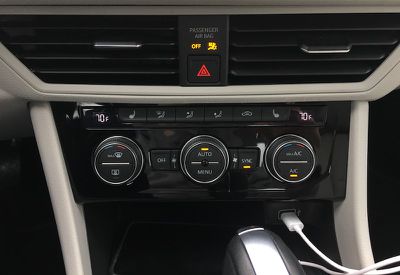
Pressing a menu button on the center fan control knob activates the infotainment system’s climate control screen. It’s a little weird locating it so far from the screen, but I guess it makes sense to have it with physical controls and once you learn it’s there, you’re less likely to forget it.
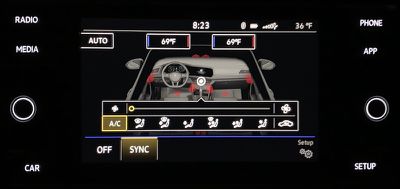
The touchscreen pretty much mimics what the hardware controls can do, although the digital screen lets you see more information like exactly where the air is blowing at different fan settings and quickly switch between them.
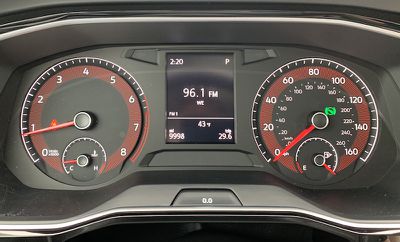
The Jetta SE has a digital driver’s display with different views to help you see some data, such as audio track information, but it’s monochrome and quite low resolution, so it could stand to see some improvement. Until you step up to the SEL and SEL Premium trims you get a fully digital cockpit with the ability to display full-screen navigation on the SEL Premium’s Discover media system.
Carplay
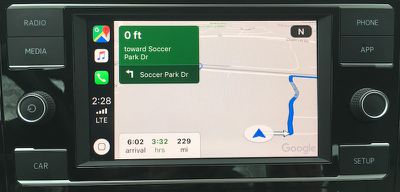
To enhance composition colors, VW supports CarPlay and Android Auto standard on all trims and here you get the usual CarPlay experience with full, vivid colors on the screen. At just 6.5 inches, things can feel a little cramped, especially on Apple Maps or Google Maps where you have informative overlays obscuring parts of the map view.
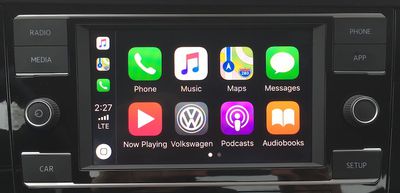
There’s a VW app icon on the CarPlay home screen that takes you back to the Composition Color system, but it’s easy to use the hardware buttons to jump straight to your desired function from wherever you are in CarPlay.
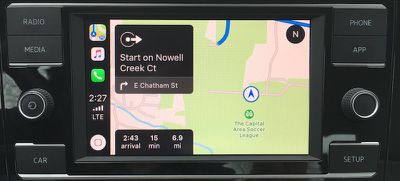
The combination of CarPlay and Composition Color systems in lower-level Jetta trims really lets you see how you can get away with a barebones infotainment system. The built-in infotainment system doesn’t really need to support anything more than terrestrial radio, as even basic phone connectivity like Bluetooth calls and media support is redundant once you activate CarPlay.
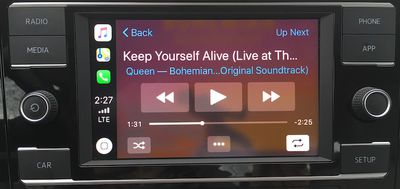
With CarPlay delivering almost everything you need from your phone, it makes a basic built-in system more powerful, as long as you have a decent screen and some good hardware controls around the perimeter.
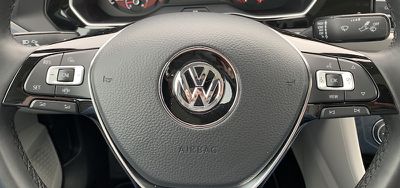
The Composition Color system found on lower-level Jetta trims doesn’t include its own voice assistant functionality, so the voice control button on the steering wheel serves only one function, and that’s to interact with your phone. This means Siri Eyes Free if you’re connected via Bluetooth, and it’ll bring up the Siri interface if you’re running CarPlay via USB.
Ports and connections
The 2019 Jetta’s S, SE and R-line trims only have one USB-A port, located on the bottom of the center stack, adjacent to a roomy tray where you can store your phone.
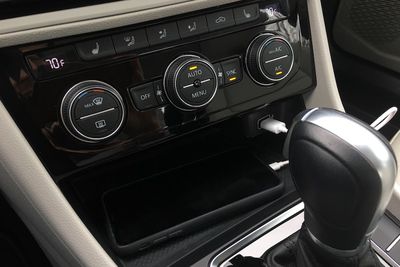
The SEL and SEL Premium add a second USB-A port inside the center console compartment, though it’s only for charging. I always like to see as many ports as possible for maximum flexibility, so I would have liked to see a second USB port in the console compartment support data connections and ideally be standard across all trims.
finish
Most people considering the Jetta are probably looking for a relatively inexpensive, reliable daily commuter car, and the Jetta delivers on that front, complete with one of the best warranties in the business. All Jettas come with CarPlay- and Android Auto support standard, which is great because even an entry-level buyer can end up with a fairly powerful infotainment system around their phone.
I wish an 8-inch display, or even a 7-inch one, was standard, as it would give a slightly larger palette for CarPlay. Many apps look good on the smaller 6.5-inch screen found on lower Jetta trims, but navigation in particular suffers from limited screen real estate.
It’s always nice to have some extra display space to show more than just ‘CarPlay’, be it a split widescreen main display, a secondary one on the dash, or a multifunction in the driver’s cluster. It’s great that these lower-level Jetta trims include one, but it could use some improvement in both looks and functionality.
The 2019 Volkswagen Jetta starts at around $19,000, and with CarPlay as a standard feature, it’s one of the cheapest ways to get into a CarPlay-equipped car. Manufacturers are quickly bringing ‘CarPlay’ support downmarket in both models and trims, but it’s good to see VW being one of the leaders here. If anything, CarPlay is more important in low-end trim than in a maxed-out car with its own navigation system and all the other bells and whistles.
If you want to upgrade your Jetta, you certainly can, and the high-end Composition Media and Discover Media infotainment systems offer some nice upgrades on that front, topped off by a digital cockpit that can fill almost the entire driver’s cluster. A navigation view on top-end Discover Media.
